Liquid Glass.
As clear as you like.
Let your desktop show through a frosted app window. Adjust fogginess from clearer to more frosted, or turn Liquid Glass off whenever you prefer.
YOU CHOOSE THE VISIBILITY NOVAHUB
YOUR SETUP. ALL TOGETHER.
Your shortcuts, your sound, your light.
Meet the control centre that makes your setup yours.
01 / YOUR SPACE
Less switching. More doing.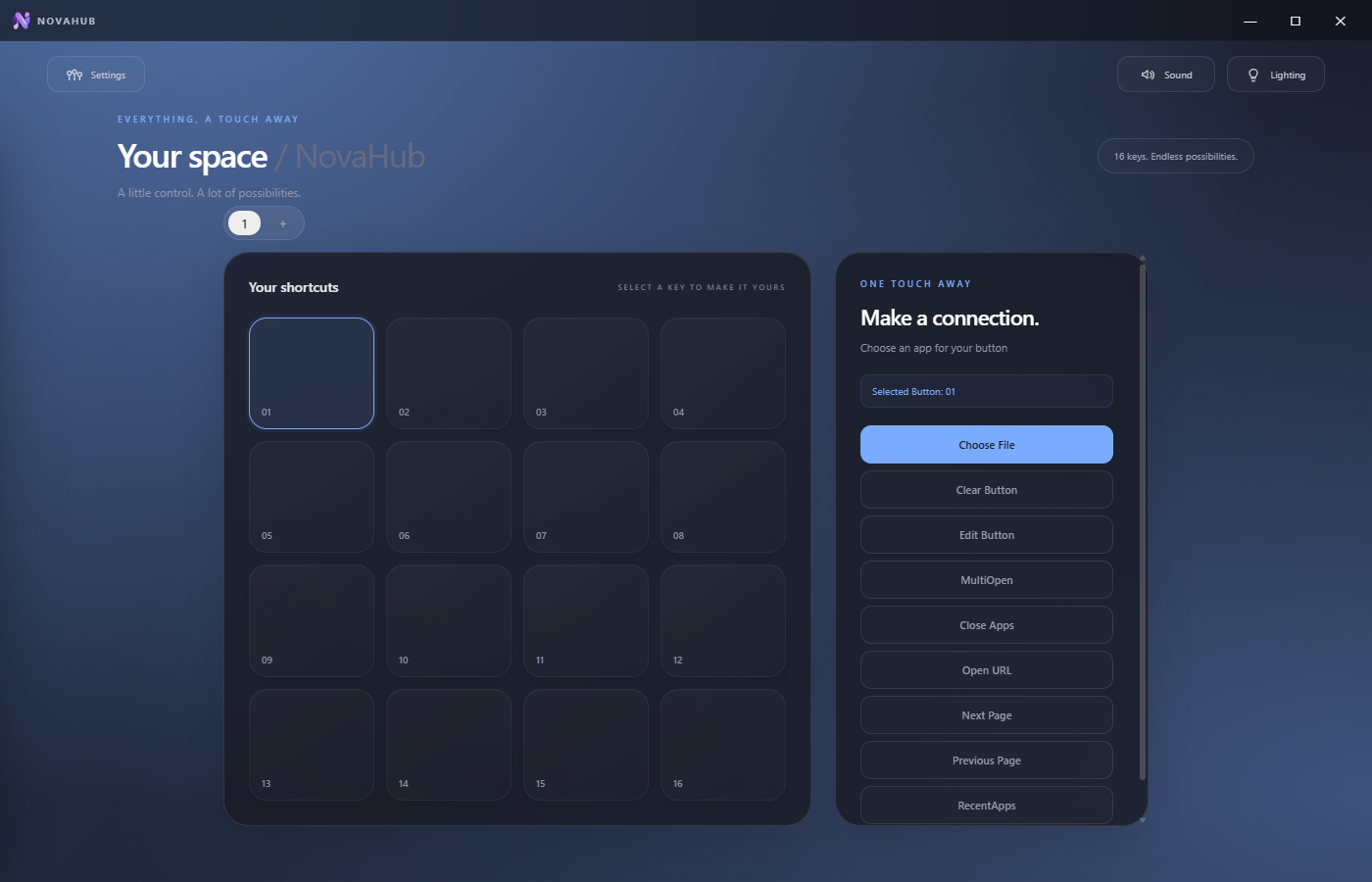
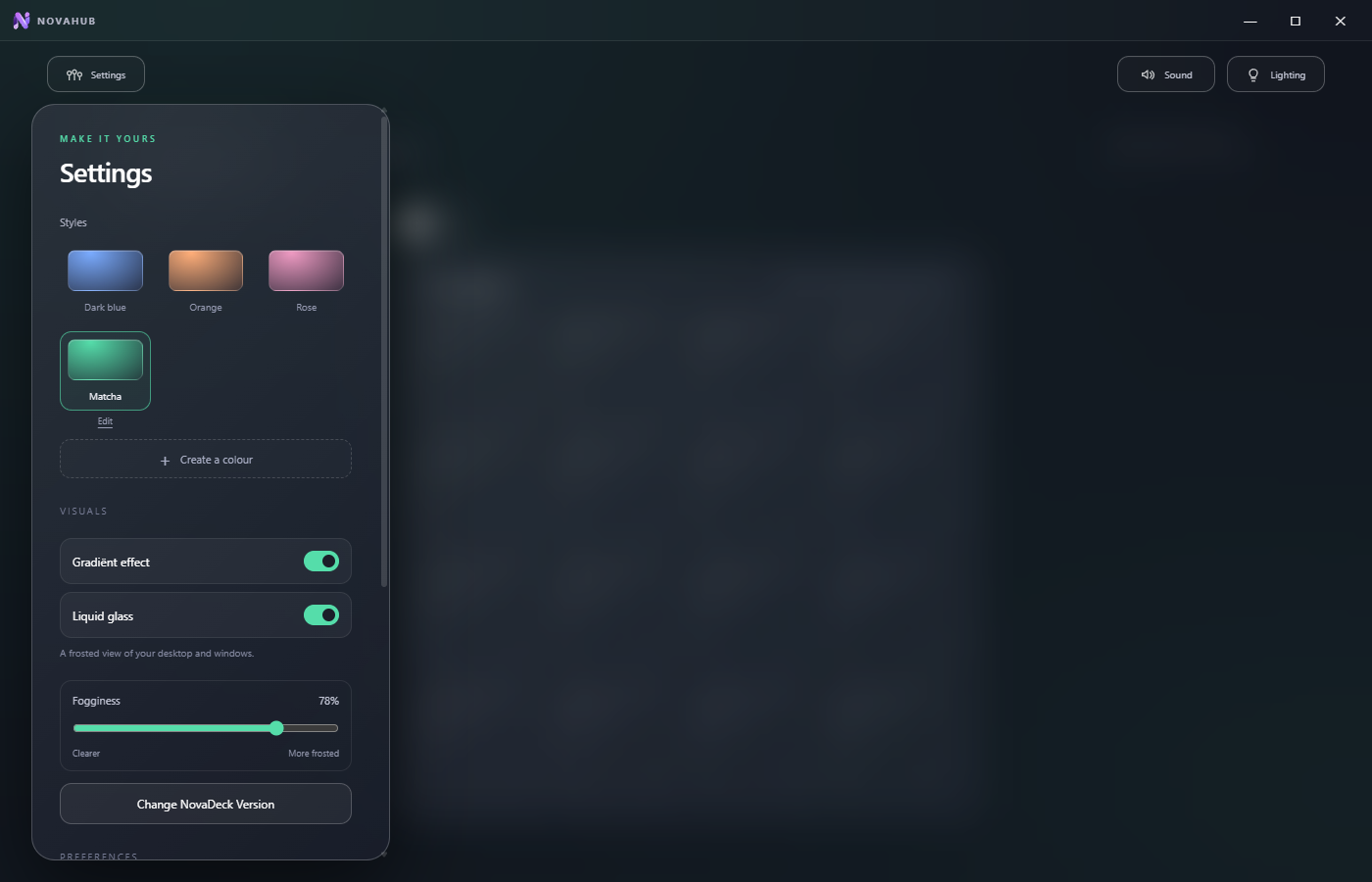
Choose how frosted your app feels with adjustable fogginess.
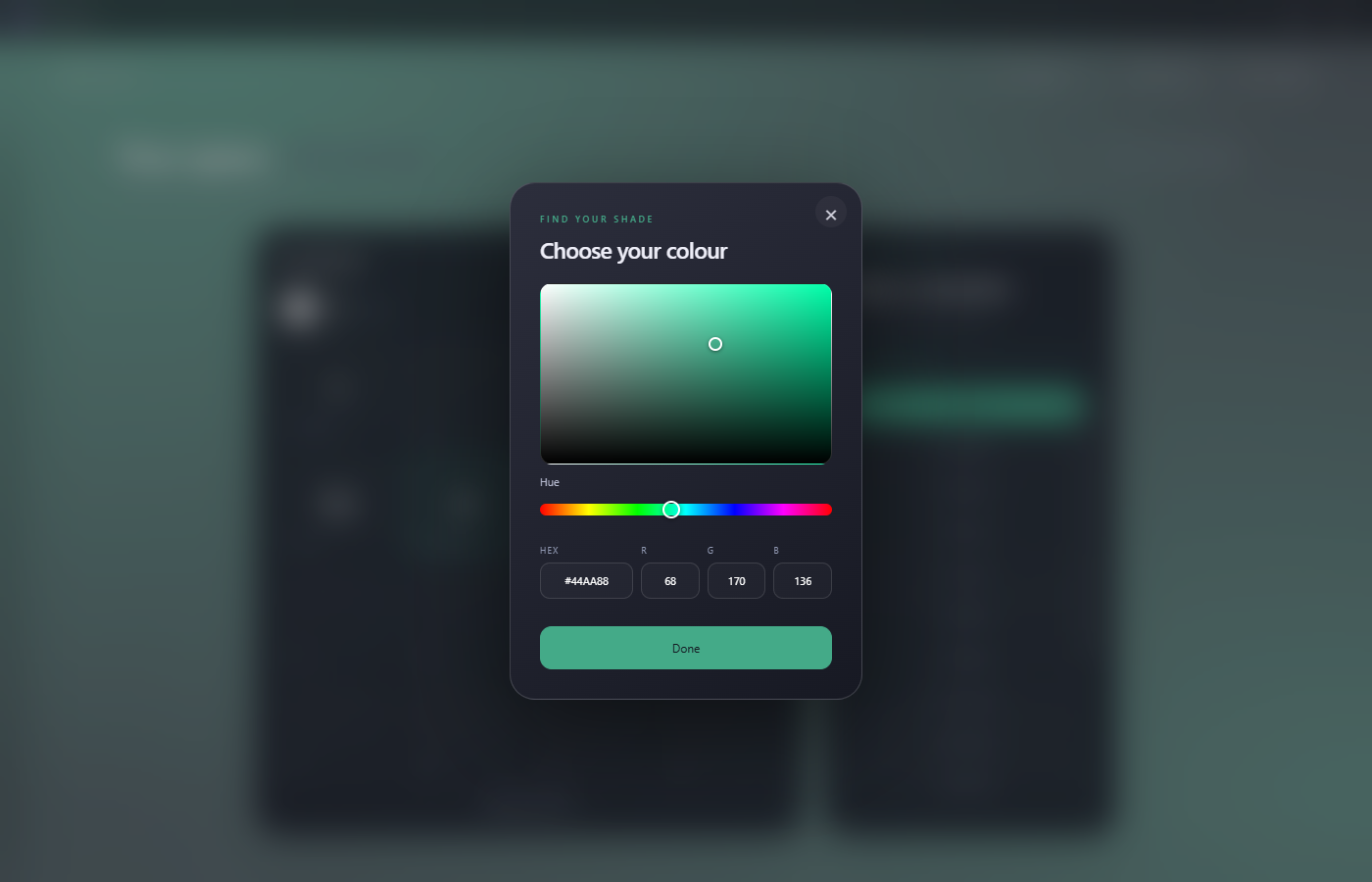
Dial in a colour with the picker, or enter precise HEX and RGB values.
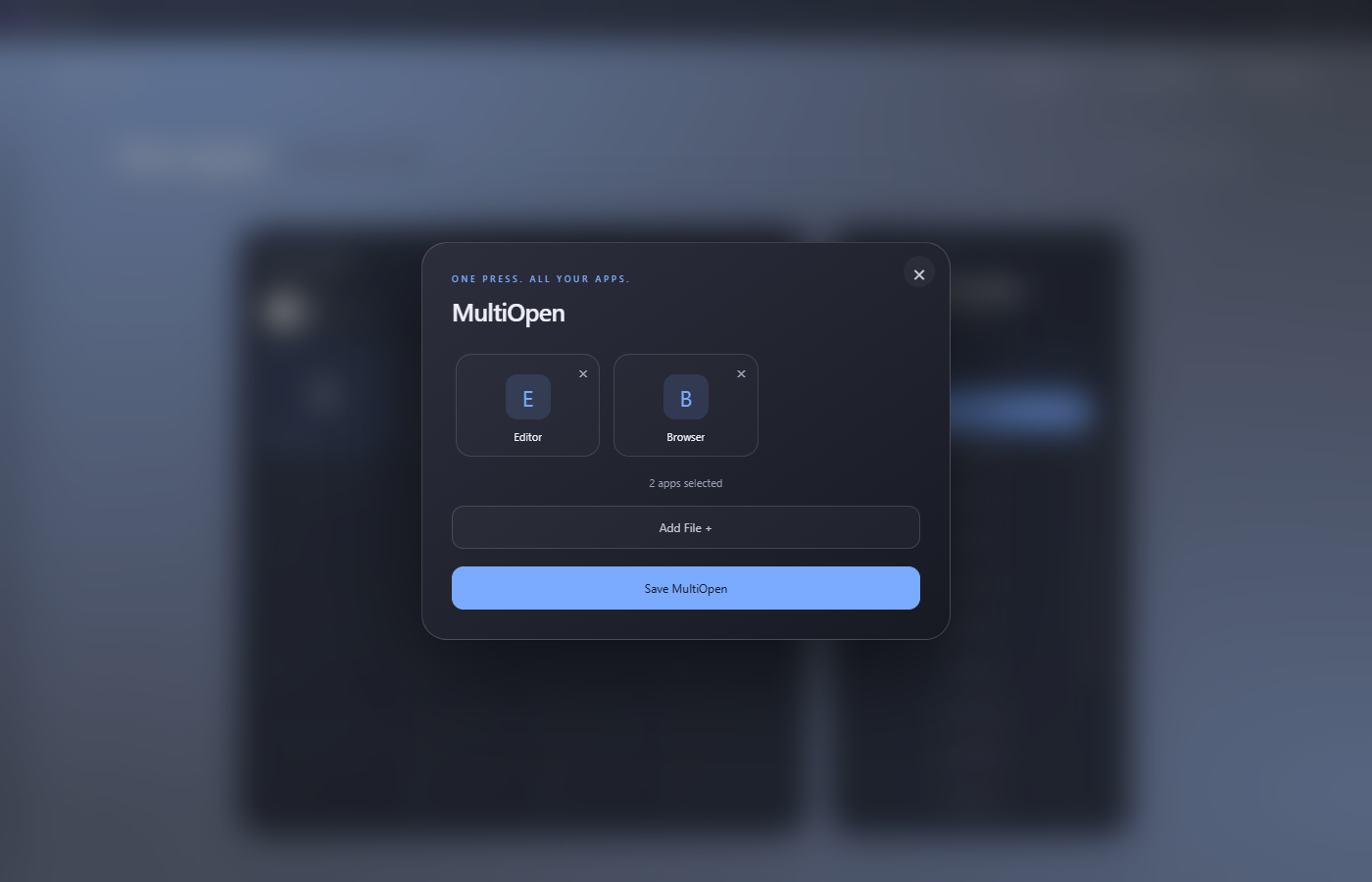
Group your everyday apps and launch them together.
02 / MADE YOUR WAY
The details are yours to decide.Make NovaHub feel at home on your desktop. Tune the glass, build your own colour palette and give every button a personal touch.
Let your desktop show through a frosted app window. Adjust fogginess from clearer to more frosted, or turn Liquid Glass off whenever you prefer.
YOU CHOOSE THE VISIBILITYStart with Dark blue, Orange or Rose. Create your own colour, give it a name and save it for next time.
YOUR COLOURS, SAVEDToggle the gradient effect and select your NovaDeck version in Settings. Match the app to the device on your desk and the look you want.
SMALL DETAILS. YOUR CHOICE.Choose custom names and images for your shortcuts. Organise actions into pages and folders, open websites, play soundboard clips or launch a group of apps with MultiOpen.
03 / GET COMFORTABLE
Download the Windows installer and follow the setup steps.
Plug in NovaDeck via USB. Pair NovaLight on the same Wi-Fi network to control your lighting.
Assign shortcuts, customise your colours and arrange your pages around the way you work and play.
NovaDeck and NovaLight hardware are separate from the app download.
YOUR SETUP STARTS HERE
Bring your shortcuts, sound and lighting together.
NovaHub 1.0.34 · Windows installer · 97 MB
Clicks on this site, including repeat clicks. Not completed installs.
A FEW GOOD QUESTIONS
You can close the window and keep NovaHub running in the system tray. Your configured deck buttons continue to respond while the background app is running.
NovaLight is controlled over your local Wi-Fi network. It needs power and the correct firmware, but does not need a USB connection to your PC for everyday lighting control.
This download installs NovaHub on Windows. It does not flash or replace your NovaDeck or NovaLight firmware.